Plans you can see. Work you can track.
One task store behind the list, the Gantt, the board, the calendar and the dashboards. Forms and email bring work in, rules move it, timesheets price it, and an assistant answers from your own tasks.
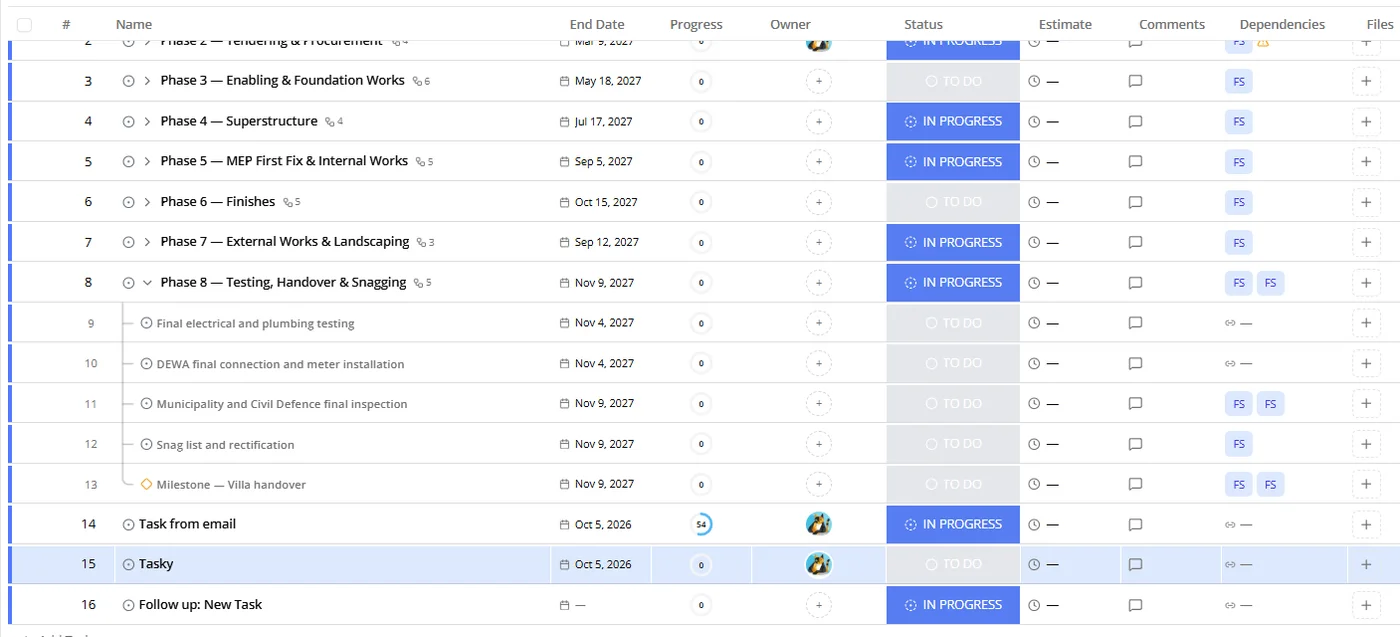
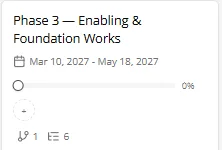
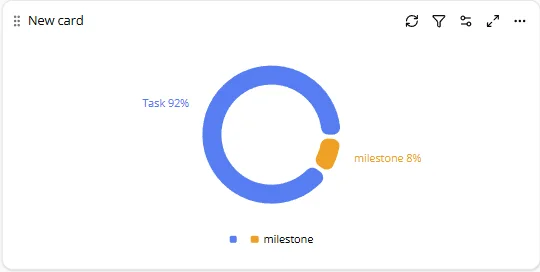
The same work, shown the way each person thinks.
A row for every task
Status, owner, dates, progress, estimates, comments and dependencies in one grid. Subtasks nest as deep as the work does.
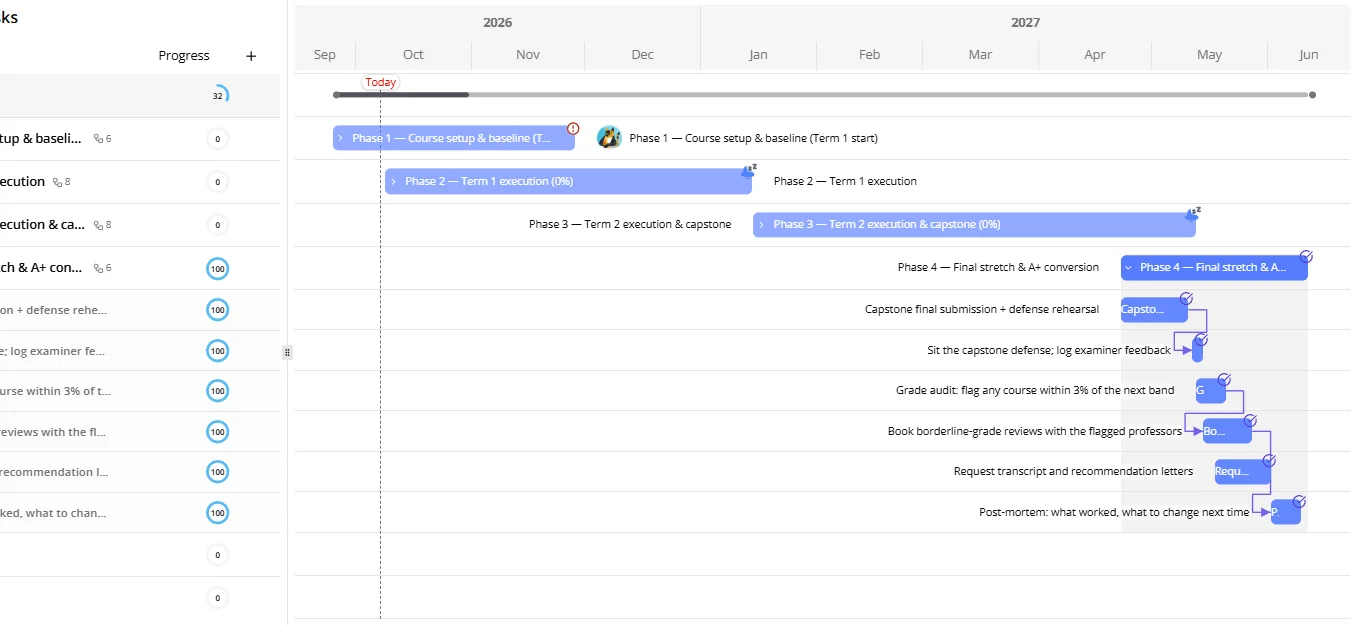
Time, with the links drawn
Bars, milestones and finish-to-start links. Drag a date and the chain follows; the critical path tells you what cannot slip.
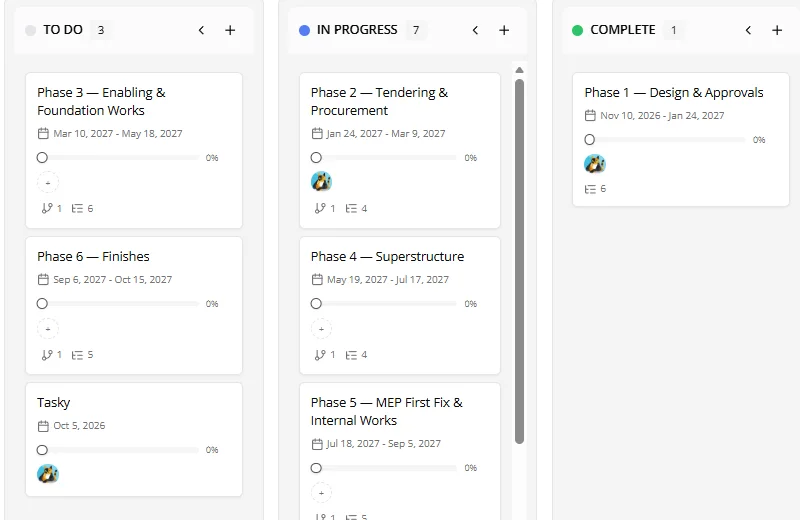
Columns that match your statuses
Each list has its own statuses. The board groups by them, and a card carries progress, owner and subtask count.
What lands when
Tasks and milestones spread over the month. Subscribe to the same feed from Google Calendar or Outlook.

Numbers that respect privacy
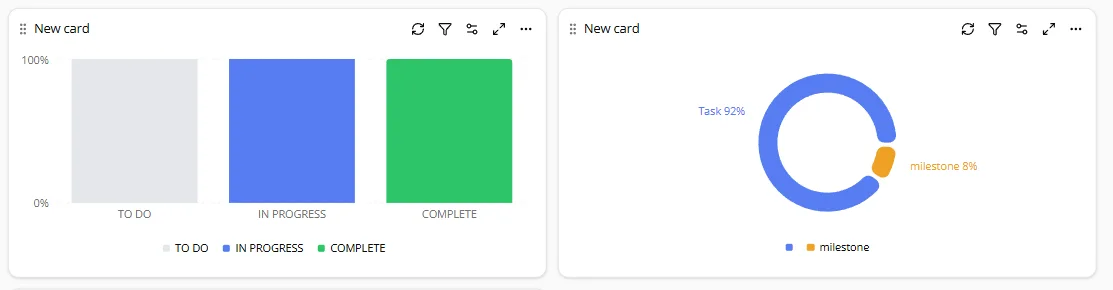
Status and type breakdowns, workload and progress cards. Every viewer sees only the projects they can open; there is no admin override.
Teams whose plans have dates, owners and consequences
Construction and engineering
Phases, milestones and finish-to-start links on a Gantt; site teams update status from a phone; approvals and inspections as milestones.
Programs with a deadline
Terms, capstones and audits as a plan you can see; recurring tasks for the weekly rhythm; a dashboard for the final stretch.
Agencies and client work
A list per client with its own statuses, forms for intake, email-in for requests, timesheets for billing, guests fenced to their project.
Forms and email, straight into a list
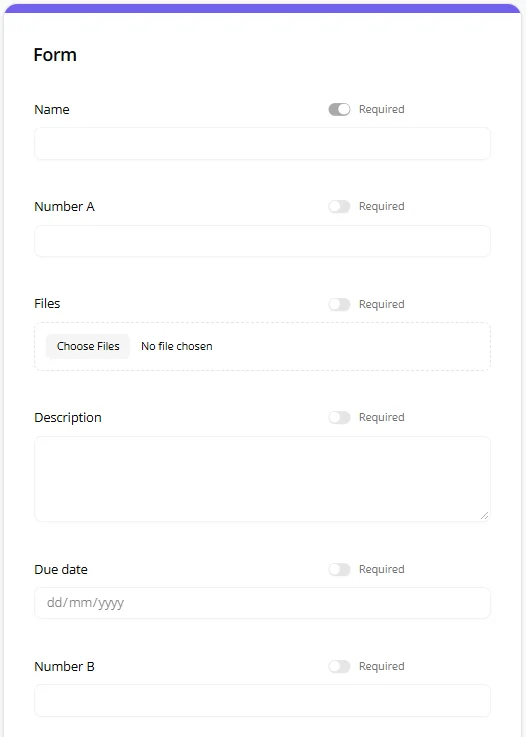
Publish a form from any list: each answer is a task, with files and custom fields mapped. Give a list its own email address and every message becomes a task; replies become comments.
- Forms — public, internal, password or domain gated
- Email in — one address per list, attachments kept
- Automation on arrival — the same rules apply, so intake triggers follow-ups

If this, then that, without leaving the list
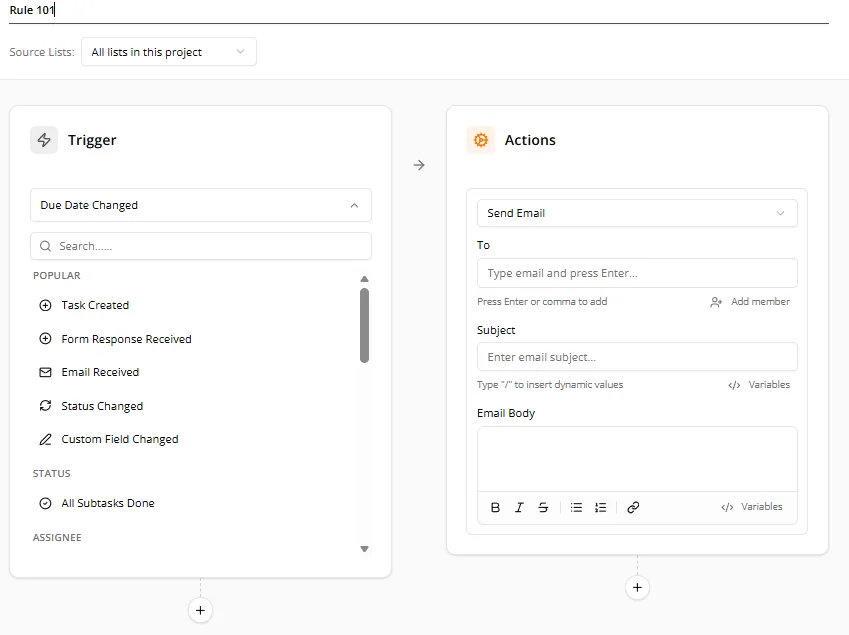
Triggers on creation, status, due dates, assignees, form responses and inbound email. Actions update fields, assign people, post to Slack or Teams, send email, call a webhook. Recurring tasks and date-based schedules run on their own.
Timesheets where the work already is
Log hours against tasks by day, submit the week, approve as a manager. Estimates and tracked time sit next to each task, so the Gantt and the dashboards stay honest.

An assistant that only knows what you can see
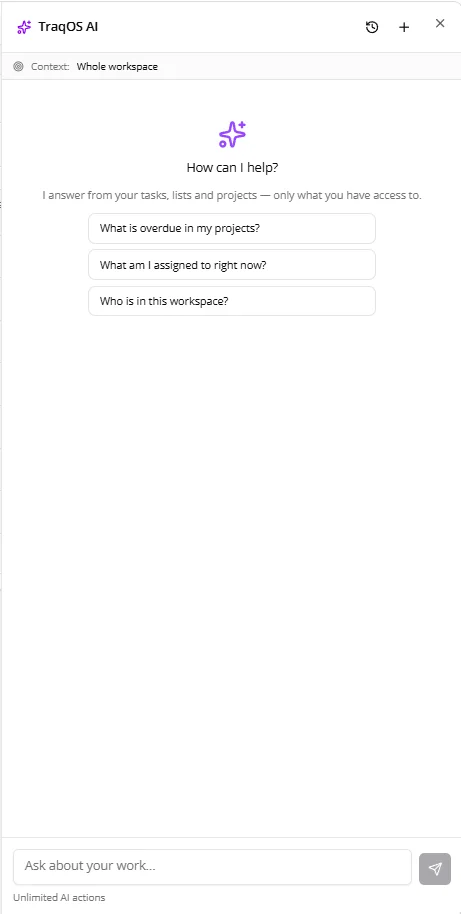
Ask what is overdue, what you own, who is in the workspace. Plan a list from a sentence and approve the changes before they land. It answers from your tasks, lists and projects, fenced by your own access.
- Grounded — every answer comes from your data, not the open web
- Approve first — writes are staged as a batch you can undo
- Bilingual — Arabic and English
A public API, signed events, instant triggers
Everything the app can do over a documented REST API, with scopes you choose and events you can verify. Read the API docs.
REST API with personal tokens and scopes
Projects, lists, tasks, comments, members and search. Tokens never grant more than your role.
Webhooks and instant triggers
Workspace webhooks for your systems, per-list hooks for automation tools, every delivery signed.
Zapier and friends
A Zapier app is in review. The same hooks serve Make, n8n and your own scripts today.
Share precisely, not broadly
Five roles, one permission gate
Admin, team manager, project manager, contributor, viewer. Every API route and every screen checks the same gate.
Private lists, fields and docs
Grant view, comment or edit to people or teams. Admins govern the workspace, never your private content.
Guests fenced to their projects
One seat per guest, an allow-list of pages, no billing surfaces, no upsells.
Before you start
Is there a free plan?
Yes. You can start without a card; the paid plans are per seat and listed on the pricing page.
Does it work in Arabic?
The app, the emails and the assistant work in Arabic and English, with right-to-left layouts.
Can we bring our data from another tool?
Import tasks into a list, and use the public API or a Zapier flow to keep tools in step. The API docs are public.
Who can see what?
Every screen and every API route checks one permission gate. Private lists, fields and docs are visible only to the people you name; admins govern the workspace, not your private content.
Start with your next project.
Free to start, per-seat plans when your team grows. Pricing is public and the API is documented.